Sponsoredyourbusiness.com/book
Local service, ready when you need it
Check availability and book directly from the service page.
Book a timeFor barbershops, plumbers, pool services, taxis, and other local businesses. Customers book on a branded page. The details land on your phone in Telegram or WhatsApp, ready for you to confirm.
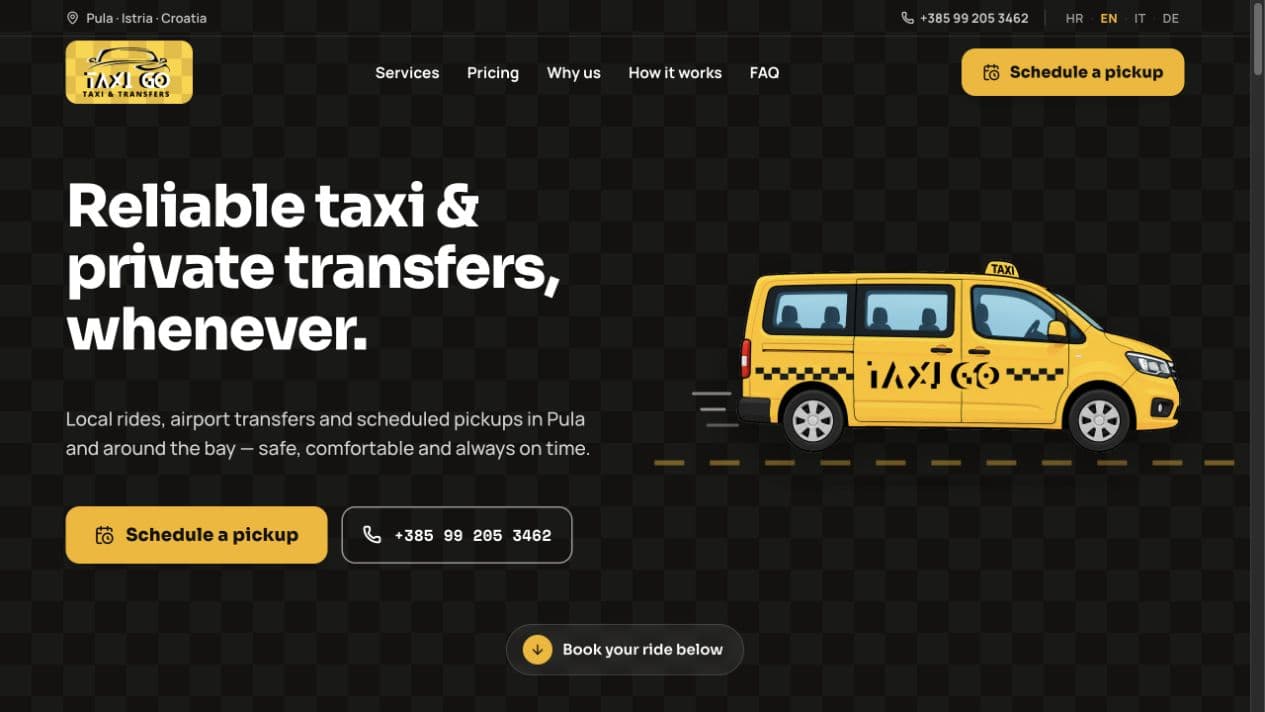
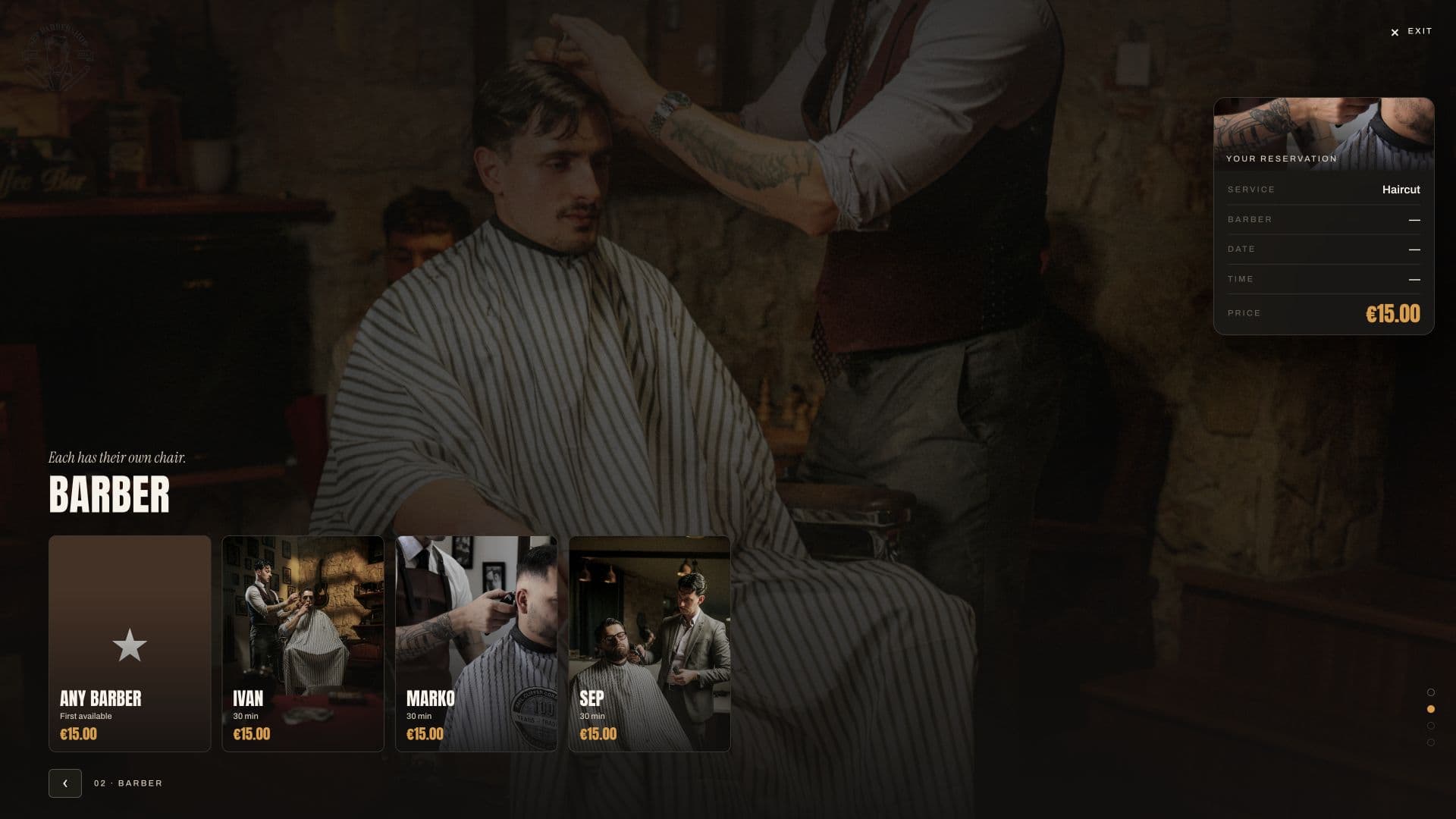
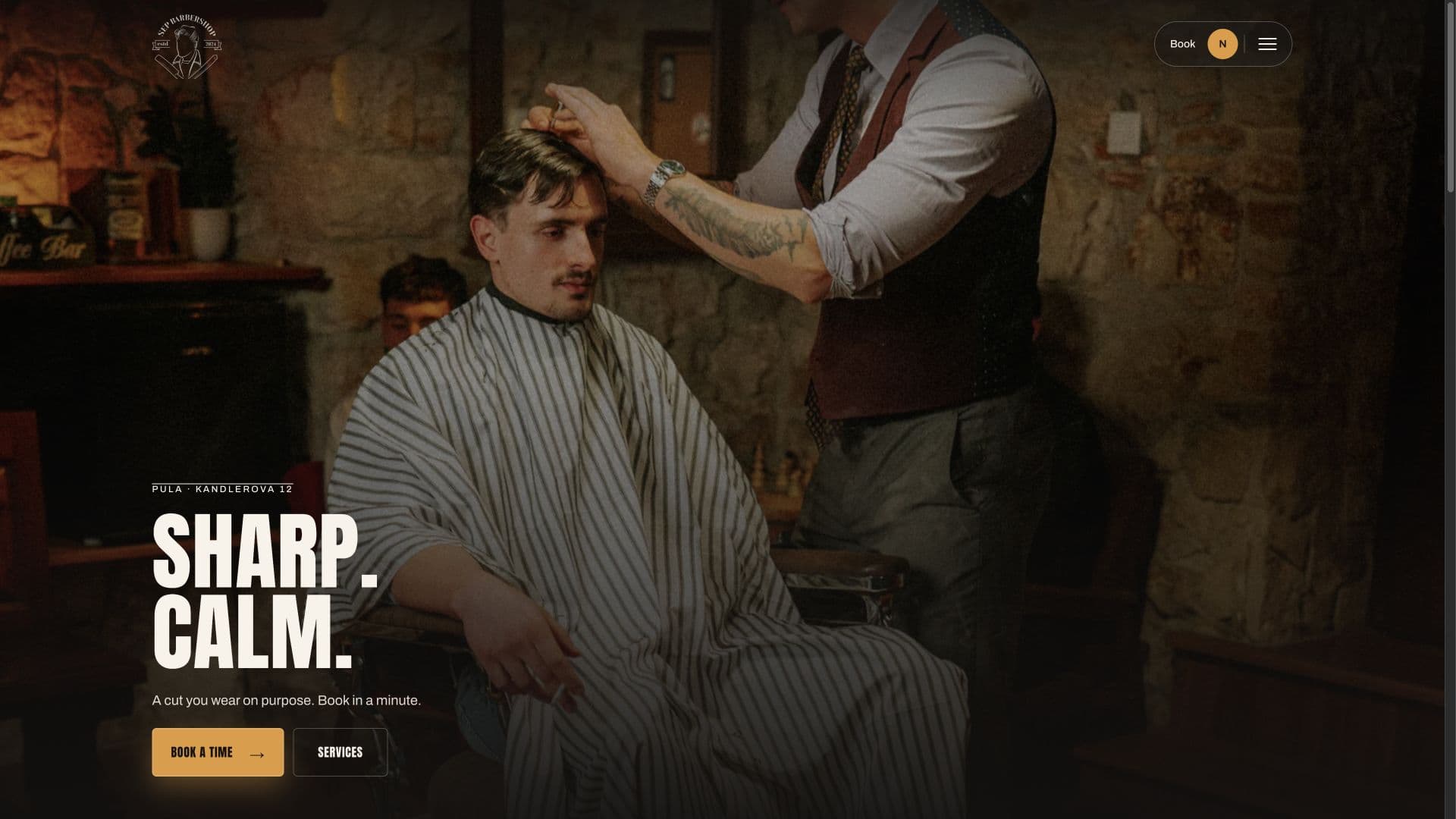
A barbershop, a pool service, and a taxi company each keep their own look while Trade OS handles the path from visit to booking.
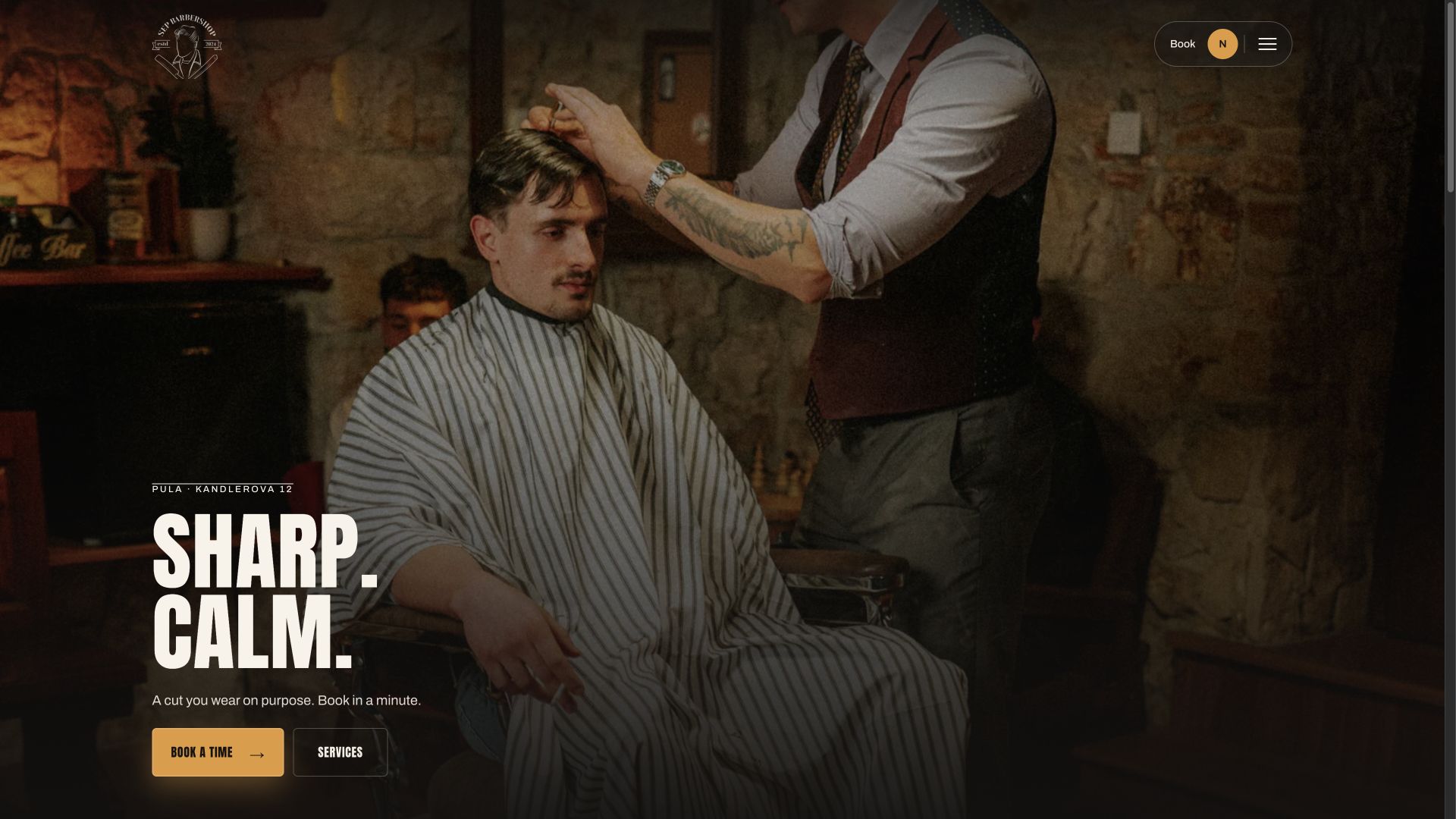 Sep’s Barbershop
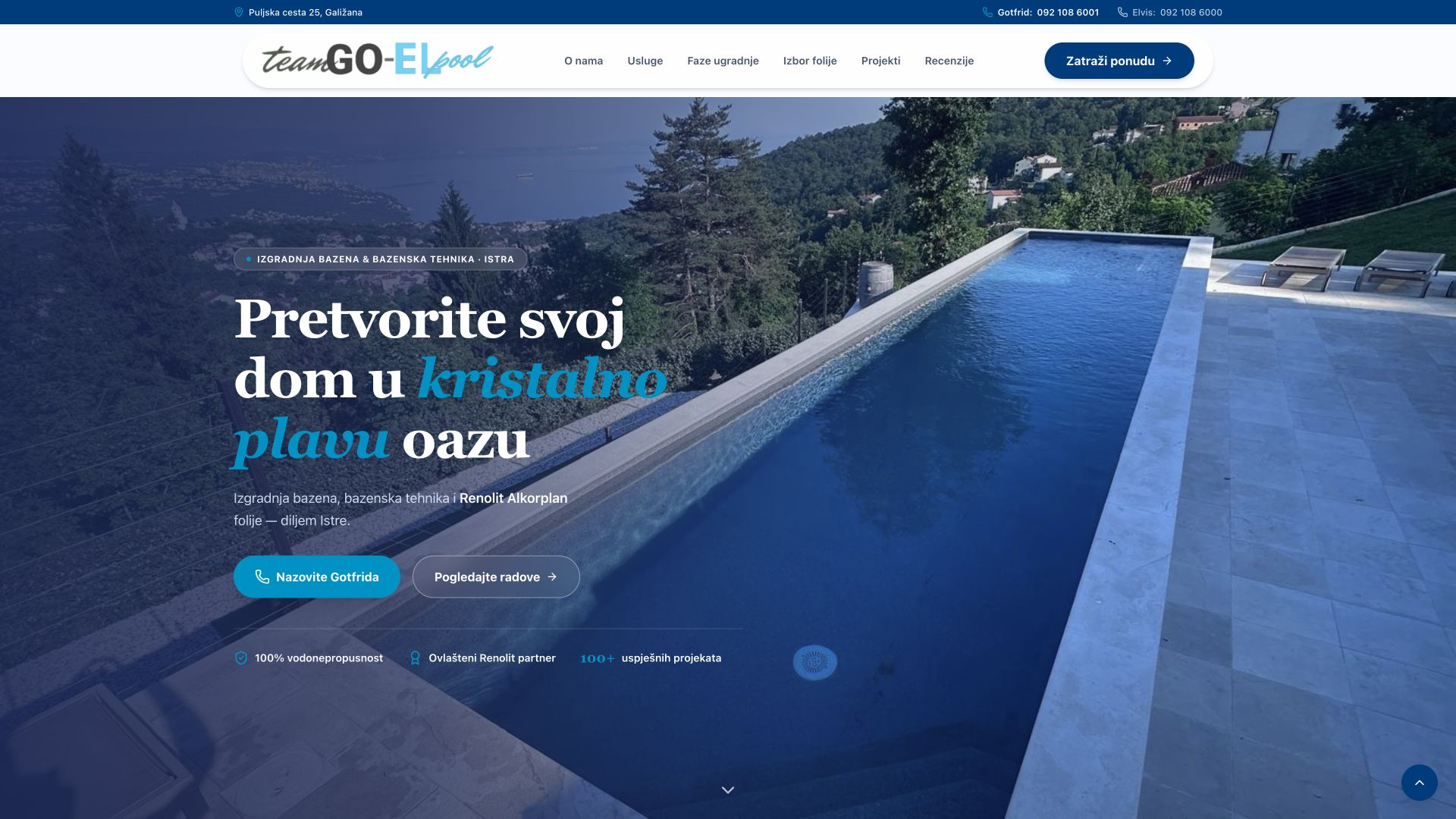 Goel Pools
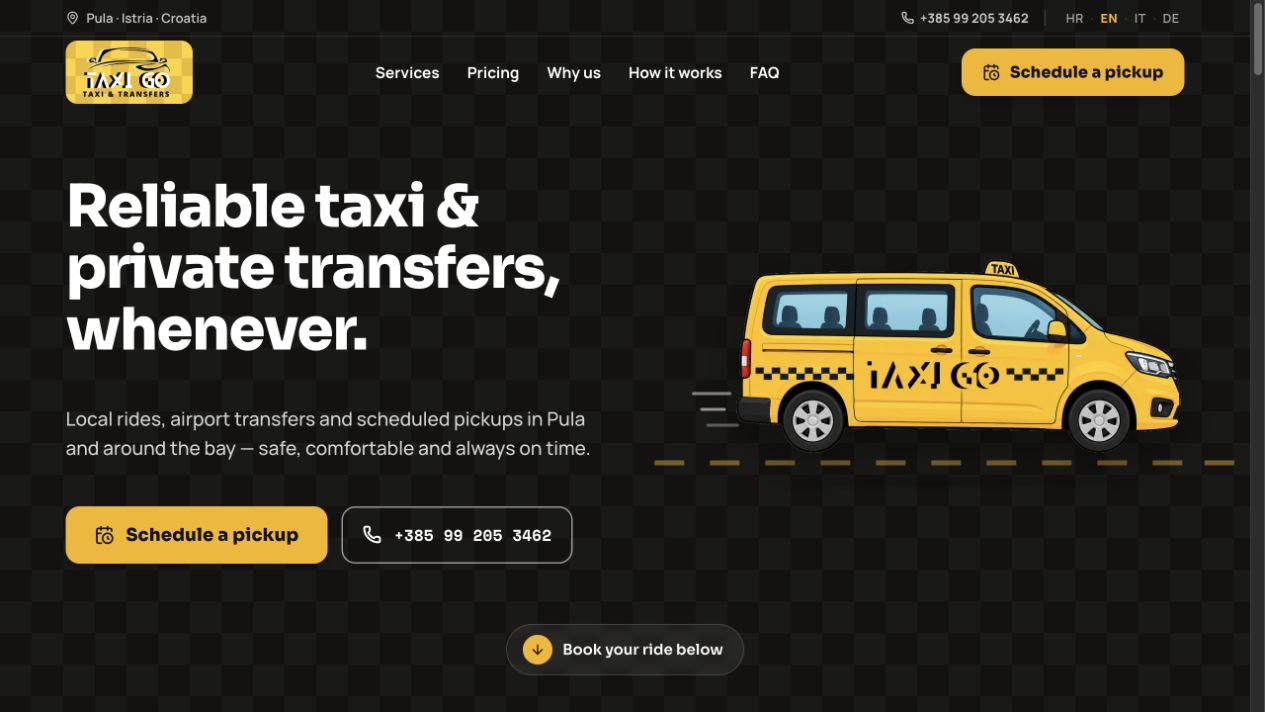 TaxiGo
Customers booked 172 rides with TaxiGo in the last 30 days. The trip details reached Patrik's phone, and his average response time was 4 minutes.
Patrik, owner
TaxiGo
€3,180
Booked in last 30 days
172
Rides
4 min
Avg response
As of 20 Jul 2026
Local work is often lost in the gap between someone deciding to book and you having time to answer.
A customer calls while your hands are busy. If nobody answers, the next business is one tap away.
It shows what you do, but not when you have an opening. The customer still has to wait or call.
A booking starts in a DM, the time changes twice, and the final details sit halfway up a message thread.
No new dashboard to monitor for incoming work. The booking moves from your customer to your phone in four clear steps.
They choose a service and an available time on your branded booking page.
Telegram or WhatsApp gives you the booking details in one clear message.
Open the booking and confirm it from your phone. There is no separate inbox to babysit.
If you require a deposit or prepayment, it is handled during booking. Otherwise, collect payment your usual way.
That is the daily loop: one clear booking, one phone notification, one response.
Sep's real barbershop page shows the full journey on a phone. It carries the customer from choosing a haircut to a confirmed time without an app or a call.
The customer sees the available services and picks the one they want.
Only available appointment times are shown.
Add an optional deposit or take full payment in advance. Skip this step when payment happens in person.
The customer sees the service and time together in one clear confirmation.
An automatic reminder goes out before the appointment.
The next booking is faster because the customer's details are remembered.
No customer app. No waiting for a reply. Just a branded path from visit to booking.
The colors, services, team, and booking steps all feel like the same barbershop. A visitor can meet Sep, choose a haircut, find a time, and book from the same branded experience.
We build and manage the campaign, connect each ad click to the right page and booking, and send confirmed outcomes back to Google Ads. You see what produced work — not just traffic.
Search and Display campaigns shaped around the services, locations, and customers you want to grow.
Every ad leads to the right service, class, or offer — with the booking path already attached.
Poletis links spend to real leads and bookings. Launches and major changes stay human-reviewed.
Managed campaign
 Google Ads
Check availability and book directly from the service page.
Book a timeConversion path
Budget control
You set the limit. We work inside it.
Reach across Google
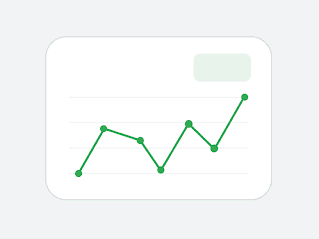
Track real results
Keep spend controlled
Built for straightforward local businesses where a faster path to a confirmed booking matters.
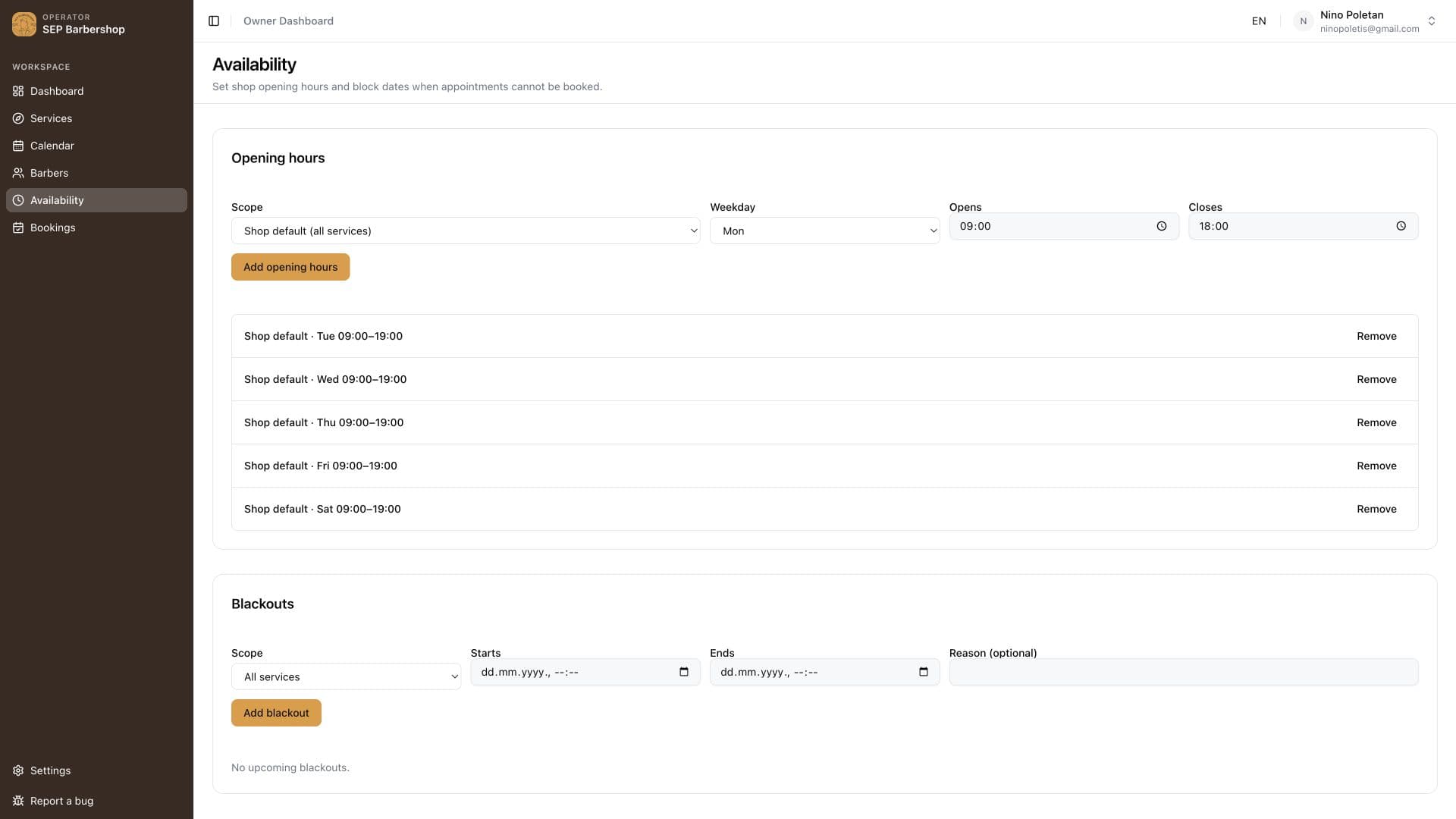
Most days, you can handle new bookings from your phone. When you want to change the setup or see everything together, the owner panel is ready.
See upcoming and past bookings together, with the customer, service, time, and status.
Set working hours and block time that customers should not be able to book.
Change a service, its duration, or whether it needs a deposit.
See which bookings have a deposit or prepayment attached.
Keep automatic appointment reminders running in the background.
Three owners using the booking flow with their own customers.
“I see the booking on my phone, the details are clear, and I can reply quickly. There is much less back-and-forth than before.”
Patrik
TaxiGo
“Customers choose the haircut and time themselves. When the booking reaches me, I already have what I need to prepare for it.”
Sep
Barbershop owner
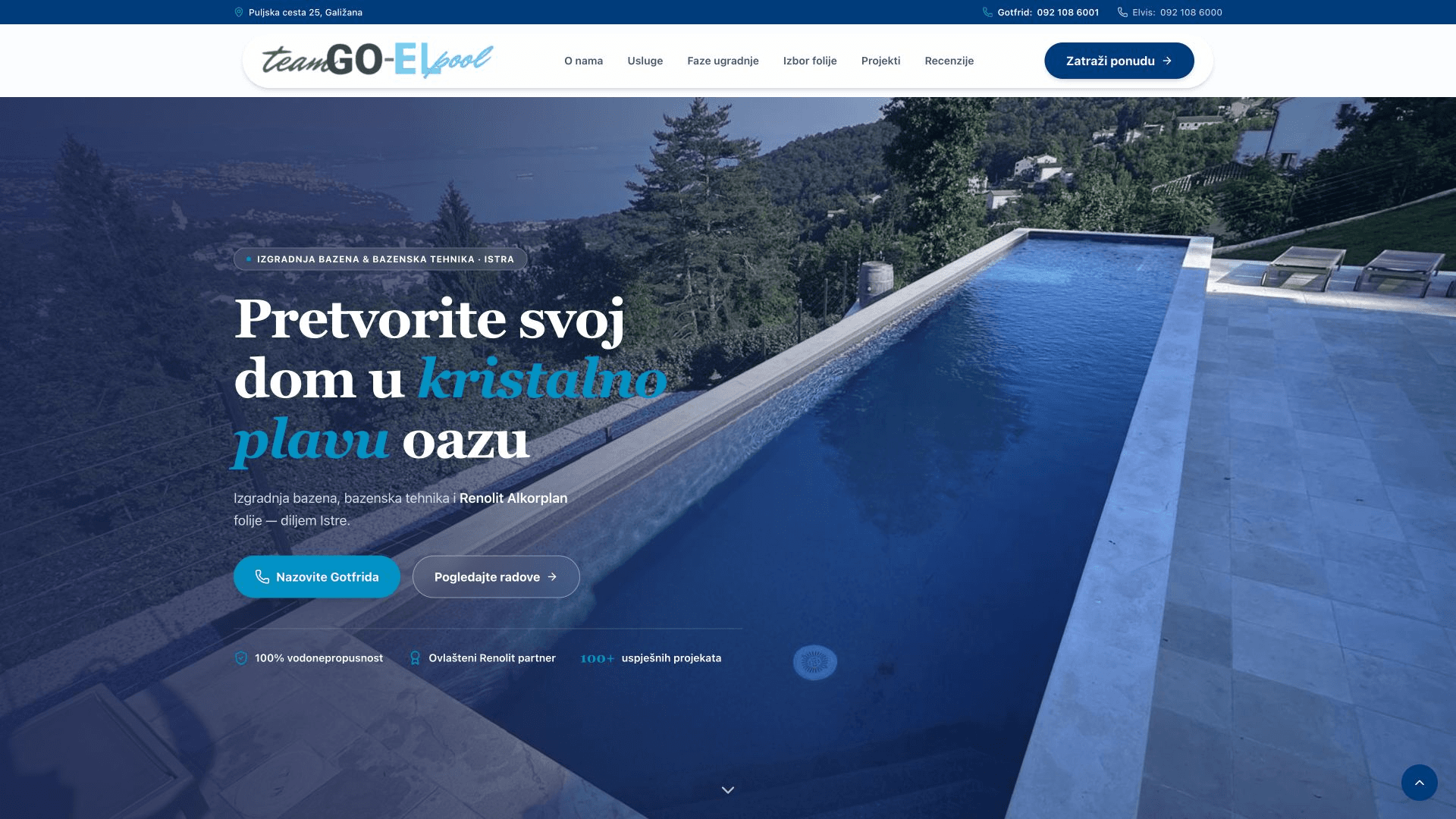
“A customer can request pool service without waiting for me to answer a call. I get the booking on my phone and follow up from there.”
Gotfrid
Goel Pools
We set you up, and onboarding is free. Your services, hours, branded pages, payments, phone notifications, and ad route are prepared around the way your business already works.
Book a callWe add your services, working hours, booking rules, and deposit choice.
We prepare the branded website and booking page customers use.
We connect Telegram or WhatsApp and make sure a real booking reaches you clearly.
We connect the ads we run to the right booking page, so each click has a direct next step.
Straight answers about setup, bookings, and the working day.
No. New bookings reach you in Telegram or WhatsApp, and you confirm them from your phone. The owner panel is there when you want to change something or see the wider picture, but you do not have to monitor it.
The customer chooses a service and time, then pays a deposit if you require one. You receive the booking details on your phone. Once you confirm, the customer gets a clear confirmation and an automatic reminder before the appointment.
You choose what fits the service: no online payment, an optional deposit, or full prepayment. The customer pays during booking when payment is required.
Keep it. Your booking page can be linked from your current site and ads. If your site needs replacing, we can set up the branded website and booking journey together.
We can prepare the setup once we have your services, hours, brand details, and payment preference. The exact launch timing depends on how much of the website and booking flow needs to be prepared, and we will give you a clear date on the call.
No dedicated app. Customers book in their browser. You receive bookings through Telegram or WhatsApp on the phone you already use.
Yes. The owner panel lets you change services, adjust working hours, and block unavailable time. It is there for those changes, not as another screen you need to watch all day.
On a 30-minute call, we will show how a customer would book, how the details reach your phone, and what we need to prepare your setup.
Book a call